


Google Maps is an incredibly versatile platform that offers detailed and extensive coverage of locations worldwide. Whether you're planning a road trip, exploring a new city, or looking up local businesses, Google Maps provides a wealth of information at your fingertips. However, the platform has limitations when it comes to displaying certain geographical boundaries, such as county lines. This can be particularly frustrating for users who require detailed geographic information for planning, analysis, or presentation purposes.
Having worked with maps, code, and GIS files for nearly a decade, I've found that displaying county or many other specific boundaries on Google Maps isn't as straightforward as expected. In this article, we'll explore why this is the case and discuss alternative solutions for viewing county lines.
Why Can't I See All County Lines on Google Maps?
Google Maps displays country and state boundaries on its standard map view by default. While you can zoom in to see roads, rivers, and buildings; the platform doesn't automatically display all county boundary lines.
This limitation is due to how Google curates and prioritizes geographical data to keep the map interface clean and user-friendly for the majority of its users. Anyone just looking for some directions will not be interested in county boundaries.
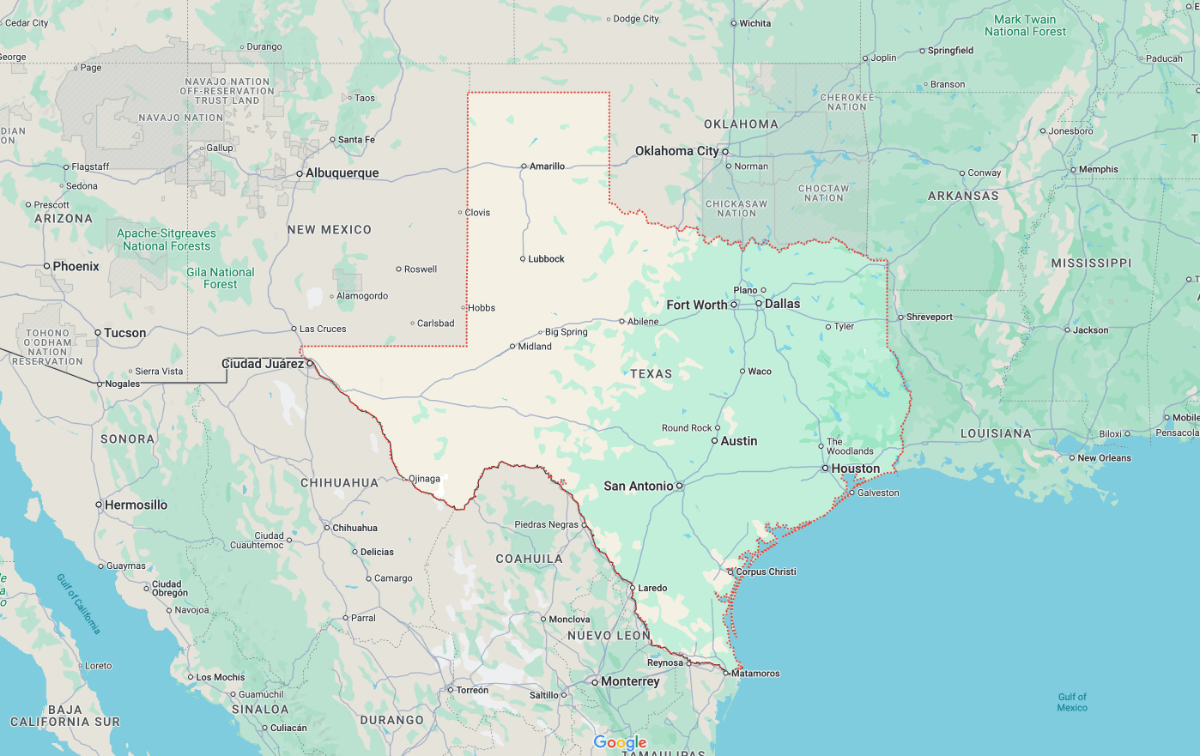 However, there is a workaround. If you know the name of a specific county or geographical area, you can search for it directly. Google Maps will then highlight that area with a temporary boundary, usually depicted with a red dashed line and a shaded region outside the boundary.
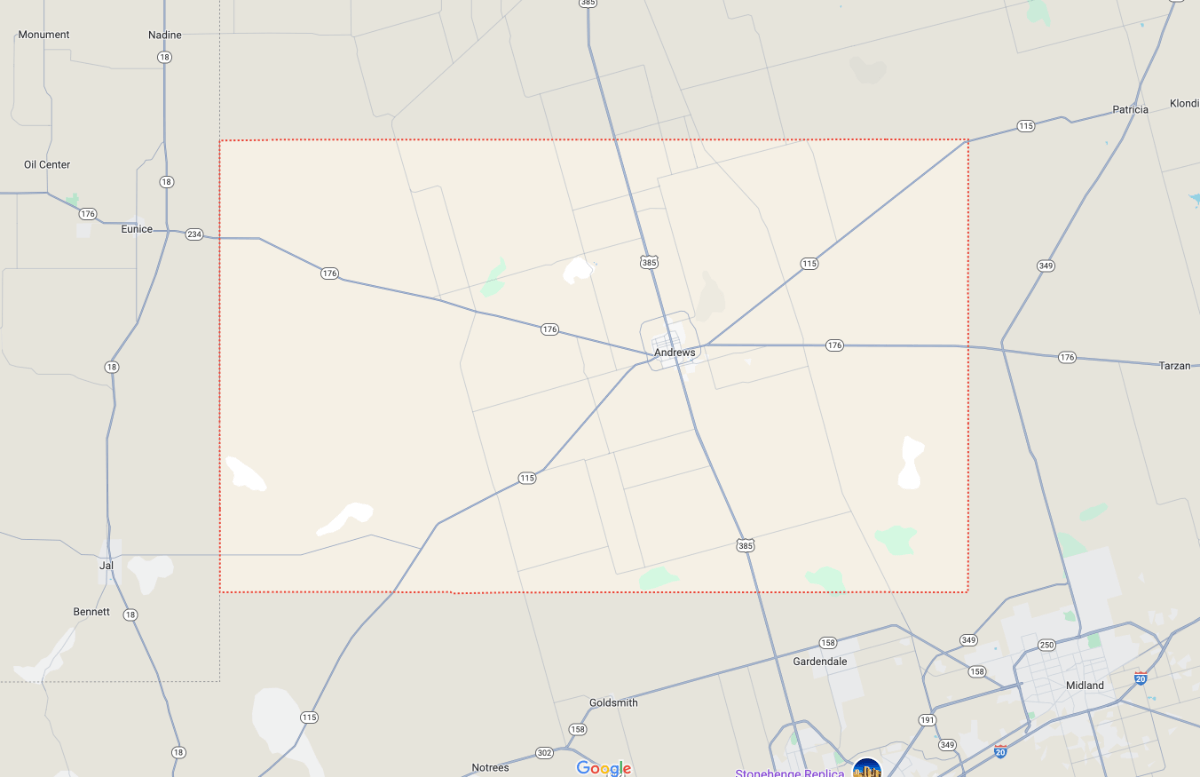
While this method is great if you know the county you're looking for, and you only want to see one region. It's pretty useless if you need to investigate new counties or investigate how they relate to each other.
This same technique works for most geographical boundaries you can think of. Postcodes, area codes, zip codes, states and countries can be shown individually, usually resulting from a search.
How to View All US County Boundaries on a Map?
We've been creating zipcode, county and location maps for years. There are a few different techniques to view county boundaries reliably.
Map of Zip Codes
If you're looking for static maps that are perfect for printing or presentations, we have the perfect downloads for you.
Download NowHundreds of vector editable SVG maps are for sale or FREE download on this website. Navigate to any state, zipcode, city or county to see the available maps.
The highly detailed map of Florida below is one of our most popular downloads. Companies have used this map in presentations, planning, advertising and much more.

GB Maps
Our UK sister company, GB Maps, does much of the same work as MapOfZipCodes, tailored for the UK.
Try Now for FREEOne of our most popular products is their interactive mapping tool. Developed as a way to allow the everyday user to create professional-grade maps of any boundary map within 20 minutes.
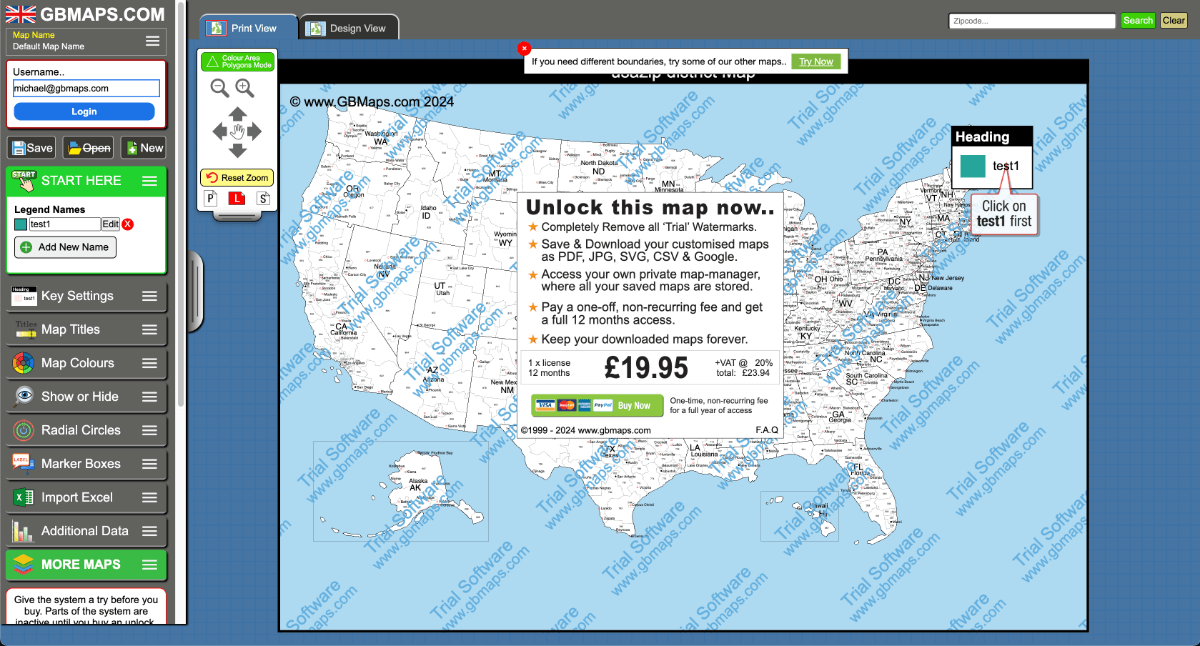
Though the company directs most of it's attention to the UK, there are several USA maps available on the tool. Specifically state boundaries, 3-digit zip codes, counties and several 5-digit state zipcode maps.
Each map can be coloured from a key, exported as a vector PDF and printed/used wherever necessary.
WebMaps
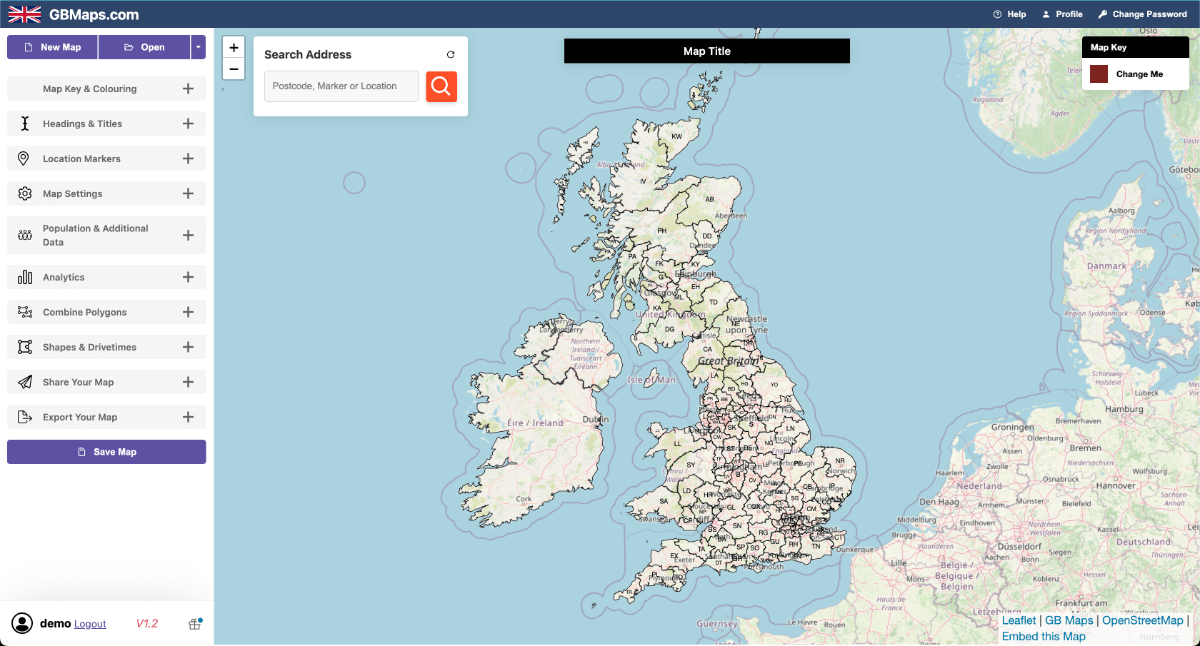
The WebMaps interactive colouring tool can also show US county boundary maps, though this tool is designed more like the original Google Maps.
Using this interactive tool, you can interact with the map while the county map is showing. You can then colour the areas, add markers, shapes, analysis and much more.
Maps can then be saved to your account and exported to be used anywhere.
I would recommend this for people looking for a detailed road based map that's interactive and can be used quickly.
Try NOWMap Shaper & Google My Maps
These are two extra methods we use when we need a different type of analysis.
MapShaper is effectively a web based, GIS platform that is surprisingly powerful, developed by a talented ex-Google employee.
You can upload shapefiles, KML files or GeoJson files in order to analyse or edit them. GeoJson files can be used in many places but they're pretty ineffective if you don't have any way of opening them. Most people are familiar with these file formats from using PowerBI.
To get this method to work you can simply upload a GeoJson or Shapefile to either platform and they will display it on top of an interactive map.
These GIS files are often hard to get a hold of. We've included a discounted link to download US county GeoJson files.
Find out MoreOther Questions
Can I add county lines to Google Maps permanently?
No, Google Maps doesn't allow users to permanently alter the default map view. However, you can use Google My Maps to create custom maps with county lines that you can save and share.
Does Google Maps Show Counties in the UK?
No, the same issue applies in the UK and the USA. You can search for specific counties but it's impossible to see them all at the same time.
Does Google Show Property Lines on Maps?
Google often shows the outlines of houses and garages but they do not show any official property lines on their maps.